Fail-closed publish loading
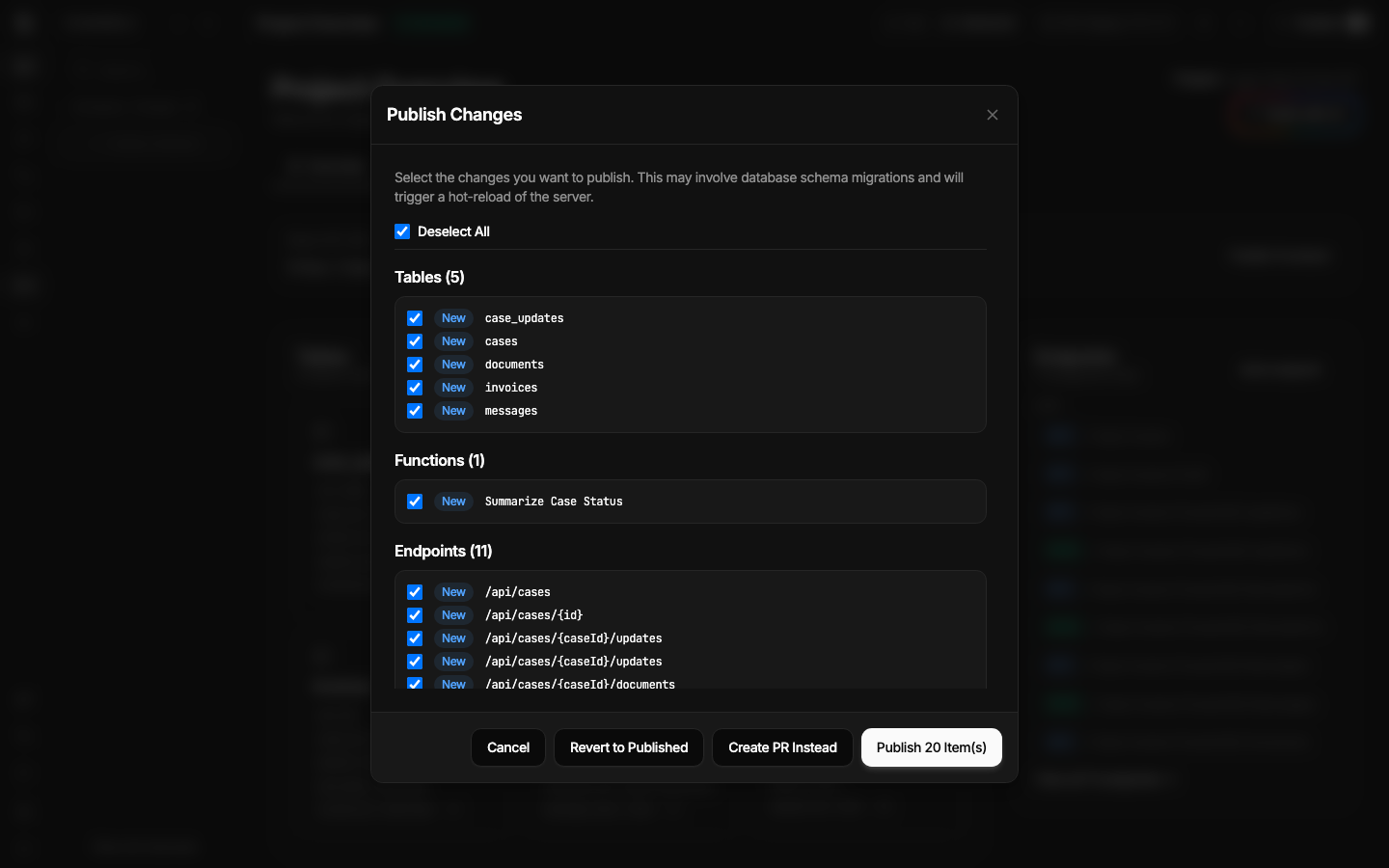
Published resources are integrity and shape checked. Invalid integrity, sandbox, or topology prevents a bad published snapshot from loading.
 Spala
Spala
Reliability
Spala validates published resources and records execution detail, but production reliability also depends on your database, backups, monitoring, support agreement, and acceptance tests.
These platform mechanisms make project state and failures easier to inspect. They are not a substitute for a customer-specific recovery plan.
Published resources are integrity and shape checked. Invalid integrity, sandbox, or topology prevents a bad published snapshot from loading.
Executable resources distinguish working drafts from the published state that is eligible to run.
Spala records execution history, logs, debug and variable snapshots, background work, agent metrics, and AI build run ledgers.
Database switching includes connection preflight, introspection, runtime reconnect, and rollback on failure. Customer migrations still need rehearsal and backups.
A project can stage, validate, activate, serve, and roll back a static frontend package under its isolated runtime path.
No complete distributed tracing, external alerting service, historical uptime platform, formal incident archive, or public SLA is currently proven.
Spala project snapshots protect selected project definition state. They intentionally do not contain everything required to recover a production system.
Production requirement: define database, upload, secret, and infrastructure backups separately. Rehearse a restore before relying on the system for revenue-critical data.
A reliability review should prove that the app fails visibly, protects data, and has a known recovery owner.
Check the dashboard, selected project API, documentation, and any project MCP connection from the account that will operate them.
Test network timeouts, repeated form submissions, duplicate webhooks, background-task retries, and partial external-service failures.
Record the previous state, publish a representative resource set, verify behavior, and demonstrate the documented rollback route.
Prove database and file restore using your own backup system. A project snapshot alone is insufficient.
Confirm monitoring, log retention, incident notification, support channel, response expectations, and who can publish or restore.
Use the public status snapshot for a quick signal, then confirm account-specific uptime, backup, restore, incident, and support requirements in writing.