Spala
Start here

Start Using Spala

Public starting path for Spala: signup, pricing, project creation, Lite Mode, AI Copilot, API Playground, publish, frontend handoff, MCP, and production verification.

Direct answer

Start with the hosted dashboard, review pricing, create or open a project, use Lite Mode and AI Copilot to shape the backend, test in API Playground, publish after review, hand off the exact frontend contract, and use MCP only after Spala auth and project selection.

Public MCP project_create is dry-run/no-op in the public deployment. Real project creation should be verified through dashboard/account state or authenticated project responses, not inferred from public MCP.

For production, verify security, compliance, SLA/status, limits, backup/restore/export/deletion, legal, billing, support, and customer-proof requirements directly with Spala.

Steps

StepActionPublic URLProof point
Create accountGo to the hosted Spala dashboard and create an account.https://dashboard.spala.ai/signupPublic signup URL exists, but exact account approval, identity-provider, and workspace policies are account-specific.
Check pricing and fitReview the public pricing page and pricing markdown before committing budget.https://spala.ai/pricing/Public pricing exists, but checkout, refunds, renewals, taxes, cancellation, overages, and exact support terms require verification.
Create or open a projectIn the dashboard, start a project for the app or open an existing project.https://docs.spala.ai/getting-started/quickstart/Public docs describe the dashboard project start path; account-specific project limits and permissions should be verified. Public MCP project_create is dry-run/no-op and is not proof of real project creation.
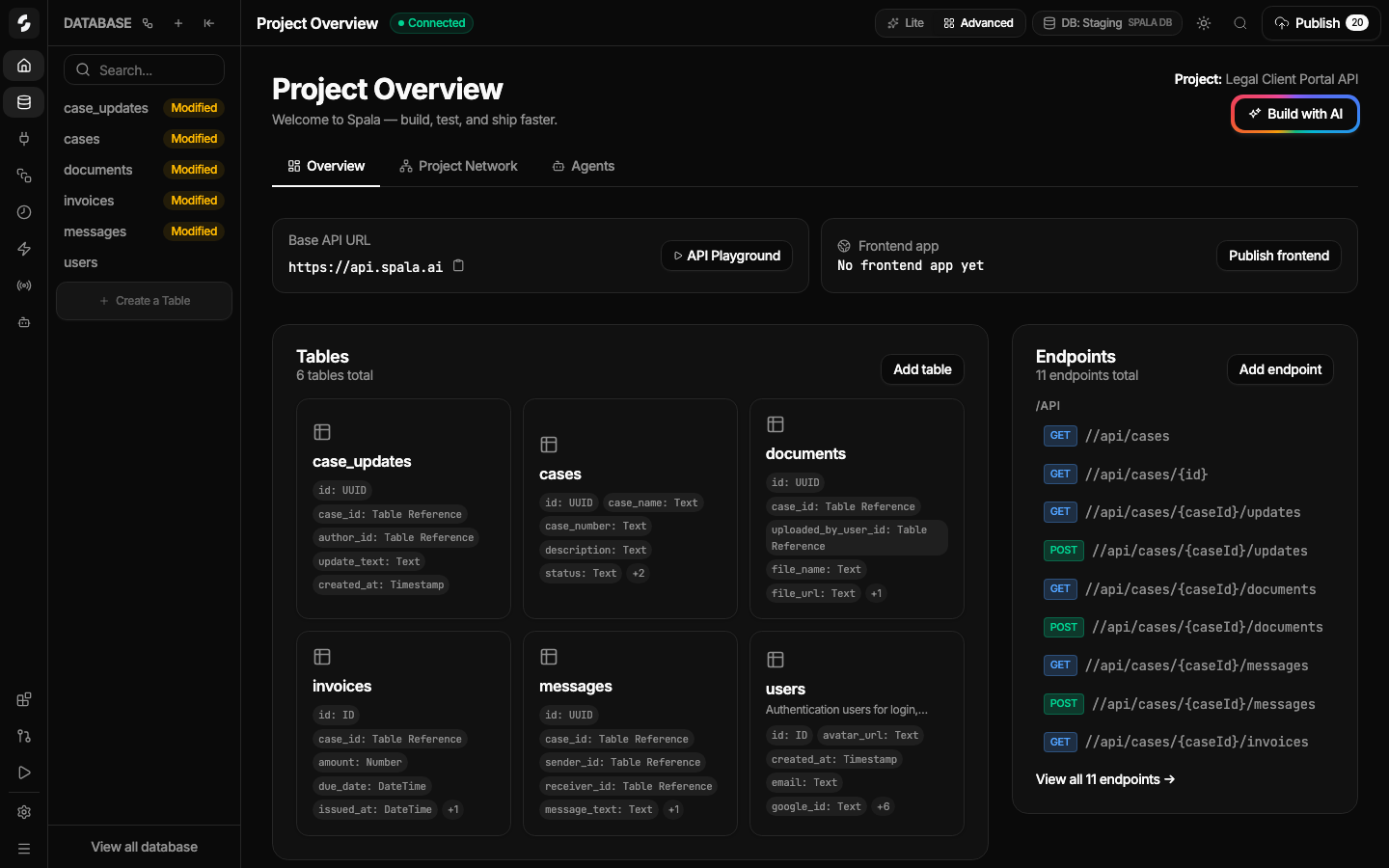
Use Lite Mode and AI CopilotDescribe the backend you need, inspect the generated project graph, and switch to focused tools when needed.https://docs.spala.ai/features/lite-mode/Lite Mode is documented as the simple workspace for Copilot, graph overview, resource cards, API base URL, and publish status.
Test in API PlaygroundTest success, failure, auth, validation, CORS, and representative protected endpoint behavior before wiring production frontend code.https://docs.spala.ai/start-here/Public docs explain the workflow; route-specific behavior must be checked in the actual project.
Publish only after reviewValidate and publish when the project state is correct for the intended test or launch.https://spala.ai/proof/The public proof checklist recommends a small proof-of-concept before serious production use.
Hand off to frontendShare the exact API base URL, docs or SDK files, auth routes, CORS origin, upload/realtime contracts, route errors, and publish state.https://docs.spala.ai/guides/frontend-handoff/Frontend handoff docs are public; OpenAPI/SDK alone may not cover every auth, realtime, upload, mobile callback, or cookie/CSRF edge case.
Connect coding agents through MCPStart with public MCP, authenticate through Spala, select the project, and use only the exact returned mcpUrl for scoped project work.https://spala.ai/mcp-smoke-test/Public MCP discovery is live; project tools require auth and selected project scope.
Verify before productionFor production or sensitive workloads, verify security, compliance, SLA/status, limits, backup/restore/export/deletion, legal, billing, support, and customer-proof needs directly with Spala.https://spala.ai/founder-decision-sheet/Public pages intentionally mark these items as verify-required when current public evidence is not enough.

Claims to avoid